

Linear
PrimaryOur primary logo. Use the linear ApplyBoard logo in all cases whenever possible.
Press and Media
Download the official ApplyBoard logo for press and media use. The kit includes our logo in three configurations (linear, portrait, and emblem), in ApplyBoard Blue and white, as SVG and PNG files, with simple guidelines for using it well.
For press inquiries and interviews, contact press@applyboard.com.
The Logo
The ApplyBoard logo is our most valuable brand asset and our most recognizable visual identifier. It pairs the ApplyBoard wordmark with our “smiling” grad cap emblem, and together they express our mission to enable global access to global education.
Brand colour
Configurations
The ApplyBoard logo comes in two configurations, linear and portrait, and the emblem can also stand on its own. Choosing the right one keeps the ApplyBoard brand clear and consistent wherever it appears.
Our primary logo. Use the linear ApplyBoard logo in all cases whenever possible.


Use the portrait logo in moderation, when the design won’t fit the linear logo.


Use the emblem on its own only where space is extremely limited, or once the full logo has already appeared, such as app icons, social media avatars, merchandise, or watermarks.
Only reproduce the ApplyBoard logo using the original artwork, and never alter it in any way.
Usage
Three simple rules cover colour, spacing, and size, so the ApplyBoard logo stays clear and easy to read in every story.
Use the ApplyBoard Blue logo on white or light backgrounds. Use the white (reverse) logo on backgrounds as dark as, or darker than, ApplyBoard Blue. On photos, choose whichever version gives the best contrast and visibility.
Clear space is the minimum area around the logo kept free of text, imagery, and the edge of the page. Leave clear space equal to the width and height of the grad cap emblem around the ApplyBoard logo, and more whenever you can.
Minimum size is measured by the width of the grad cap emblem, in every configuration. The emblem should never be smaller than 18px on screen or 6.5 mm (¼″) in print.
Shown at actual size on screen
Misuse
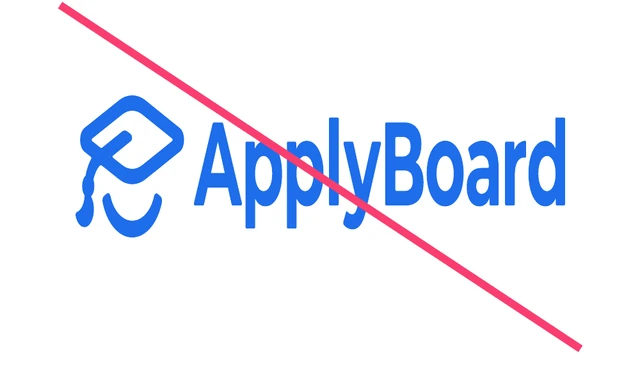
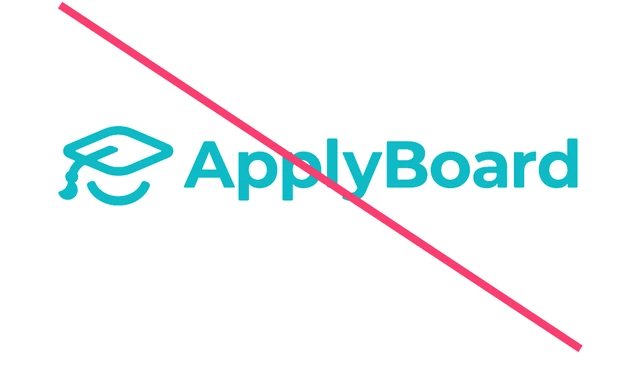
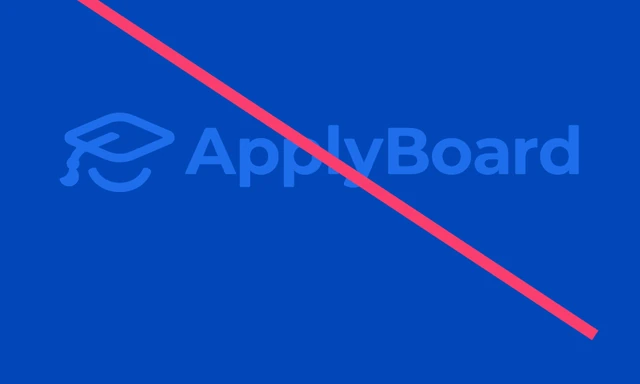
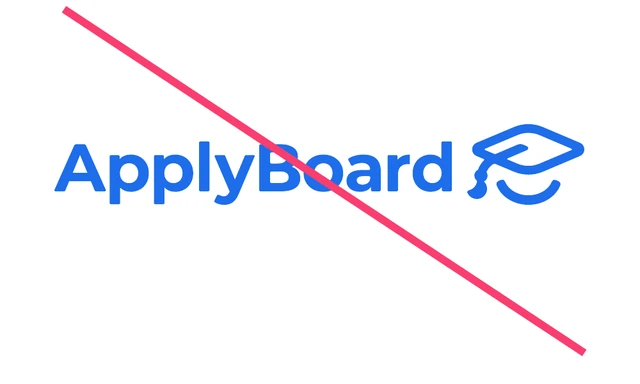
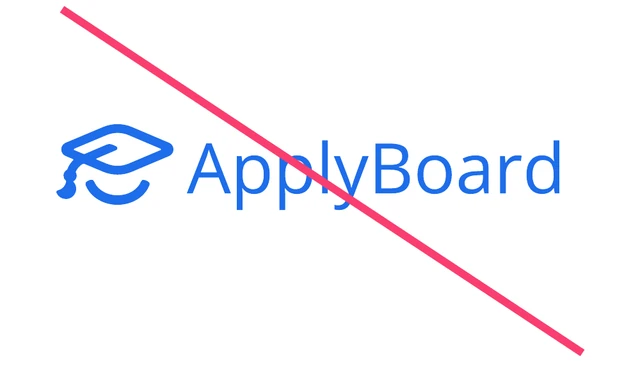
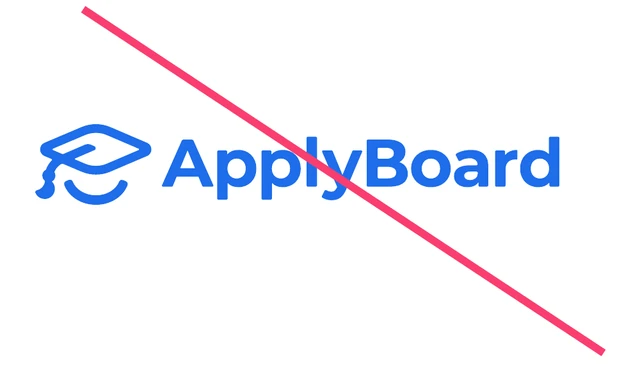
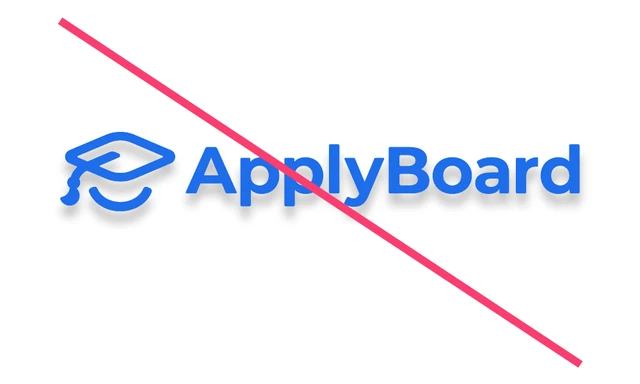
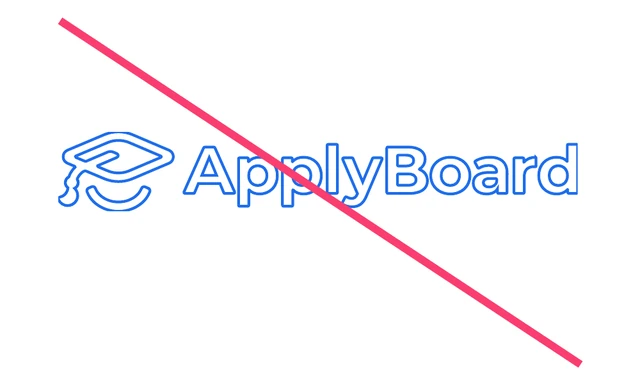
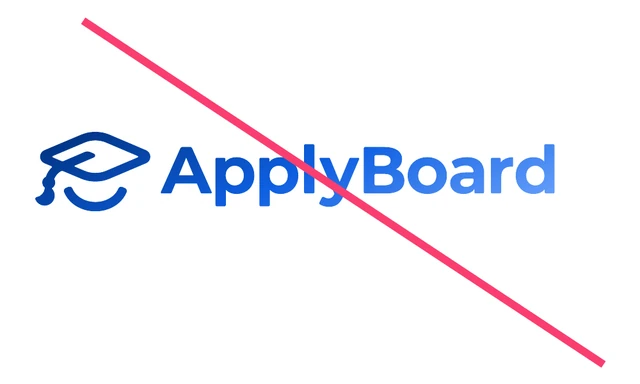
Using the ApplyBoard logo correctly and consistently matters. Any other use or change to the logo isn’t allowed. Here are nine things to avoid.
Downloads
Tick the box to agree to the guidelines, then pick the configuration and colour you need, or take everything in one ZIP. SVG files scale to any size for web, print, and signage. PNG files have transparent backgrounds.
Press
Quick answers to the questions we hear most, plus a direct line to the ApplyBoard press team.
The ApplyBoard Media Kit has the official ApplyBoard logo in linear, portrait, and emblem versions, in ApplyBoard Blue and white, as SVG and PNG files. Download each file on its own, or get every logo in one ZIP.
Use the linear ApplyBoard logo whenever possible. Use the portrait logo when the space won’t fit the linear one, and the emblem only where space is extremely limited or the full logo has already appeared. Use the blue logo on light backgrounds and the white logo on backgrounds as dark as, or darker than, ApplyBoard Blue.
The ApplyBoard logo appears in ApplyBoard Blue (HEX #1E6DEB, RGB 30 109 235, CMYK 80 59 0 0, PMS 285) or in white. It should never be set in any other colour.
For press inquiries and interviews, email the ApplyBoard press team at press@applyboard.com.